
Your Quote
No items yet.
Work through the steps to build the quote.
Client's Details
Enter client information to personalise the quote and pre-fill the banner above.
Loft Check
Enter the measurements in millimetres.
Tick all that apply in the loft space:
Select the stair & handrail style
Work through each section below. Click any image to zoom in and view full size. All sections except stair fitting must be selected before continuing.
1. Stair style:
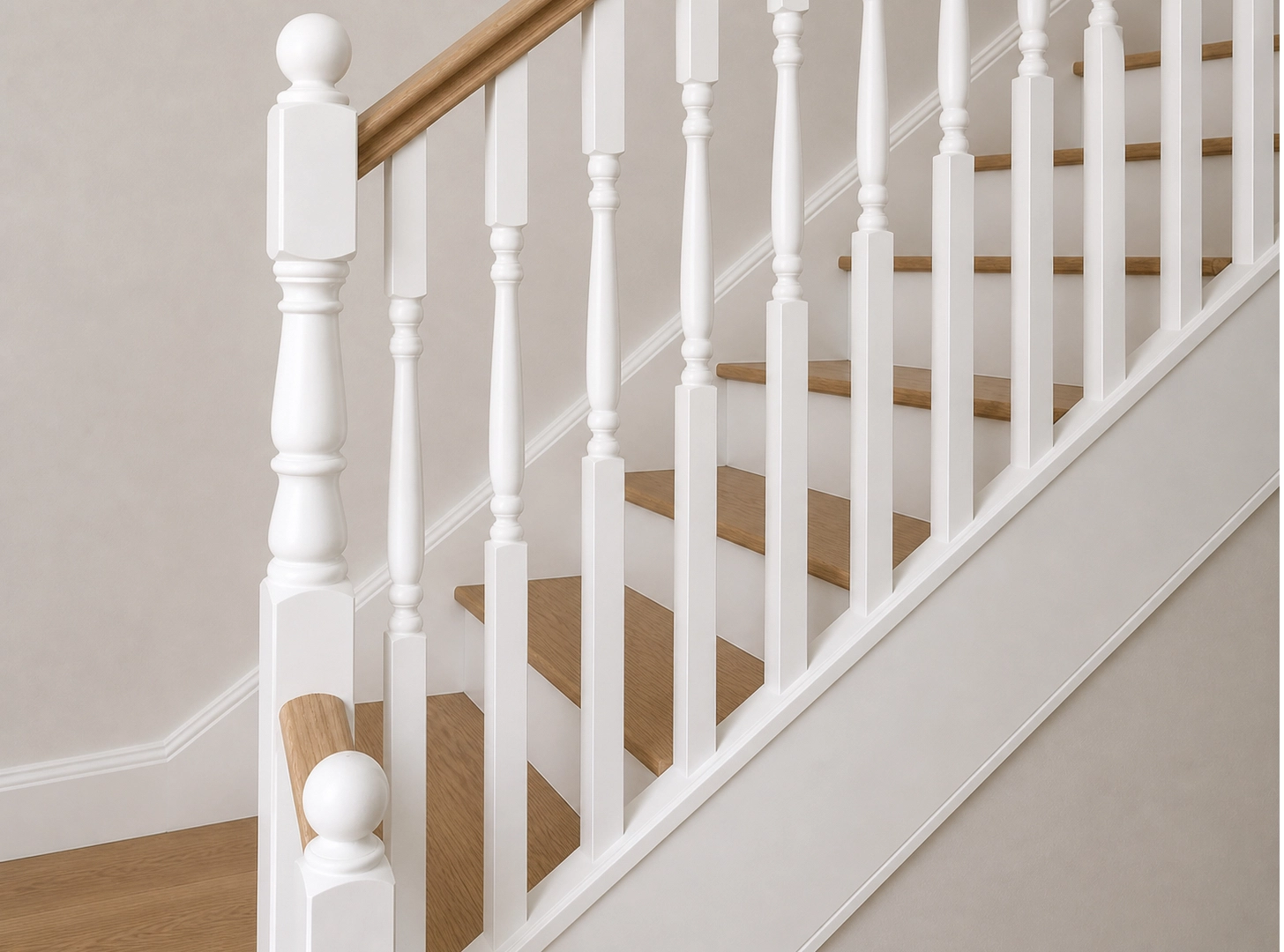
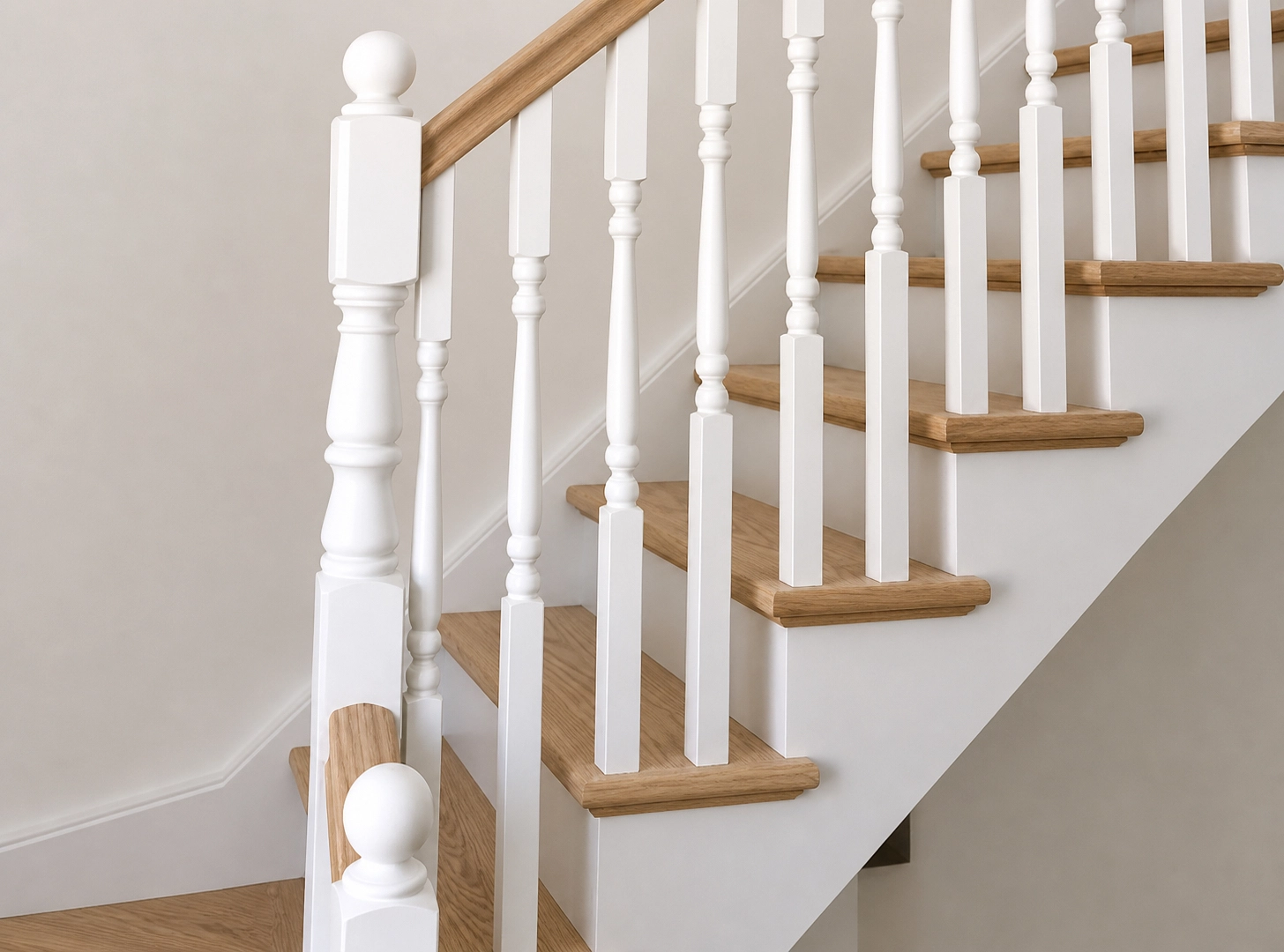
2. Tread style:
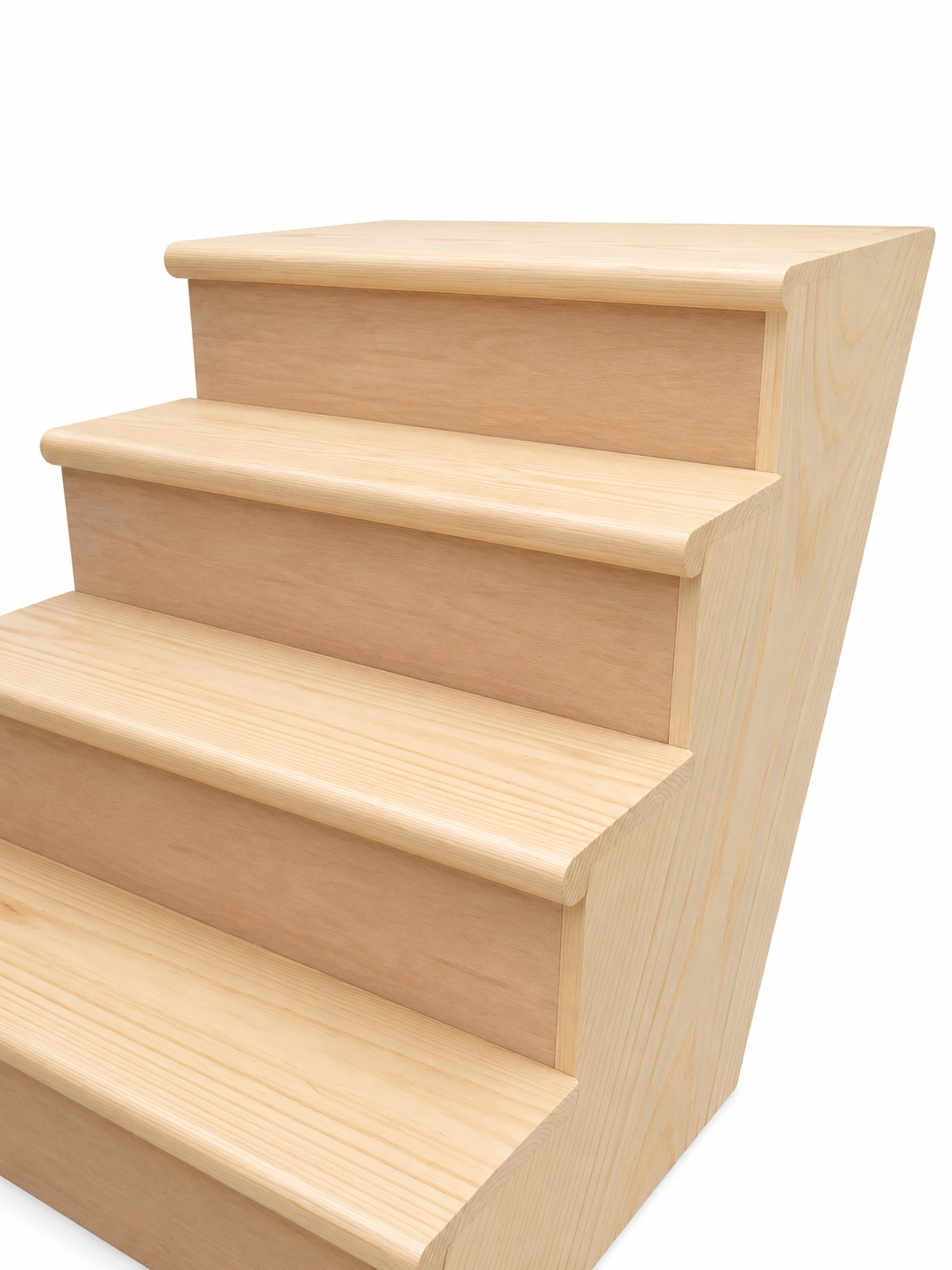
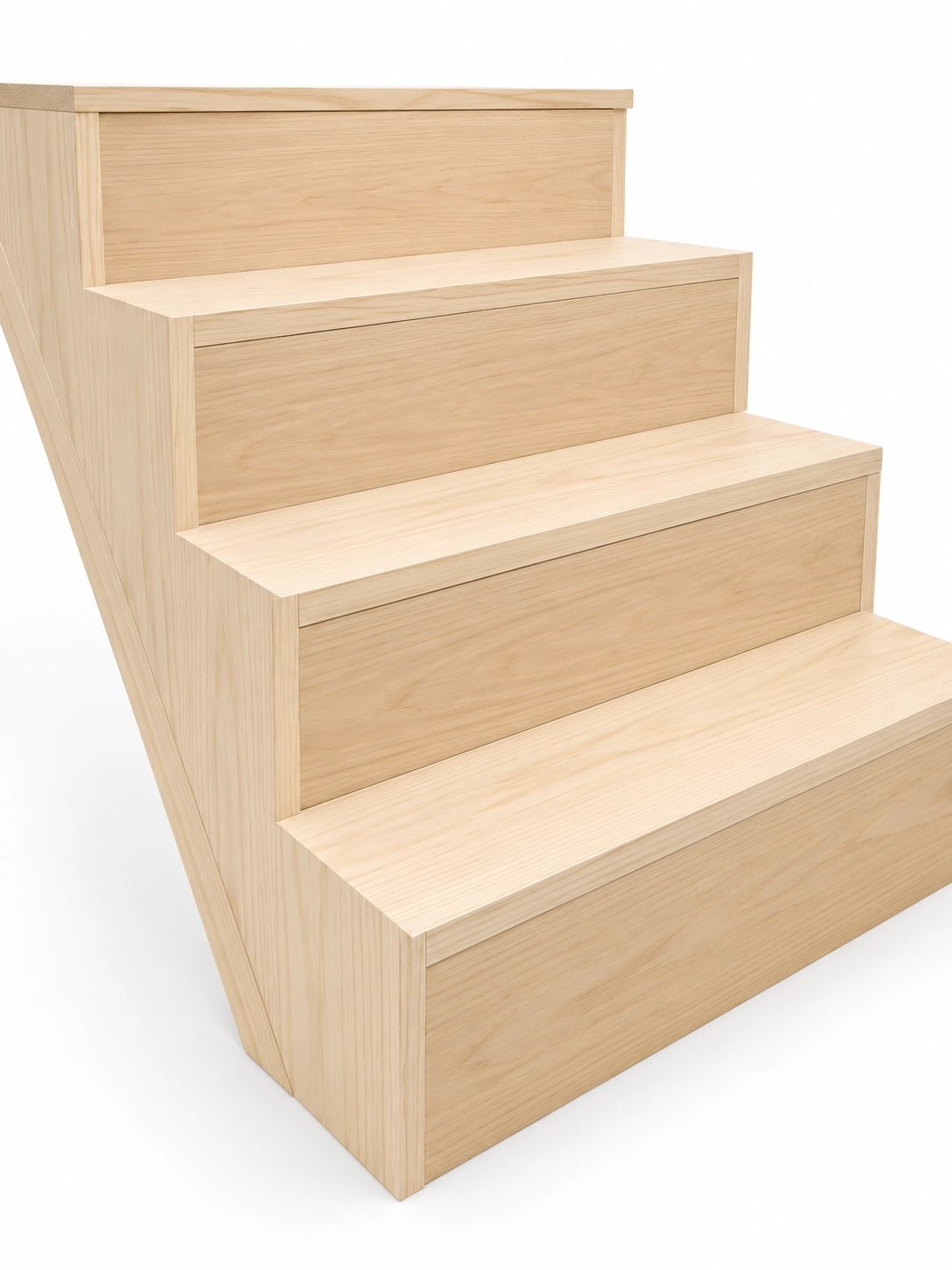
3. Newel post style:
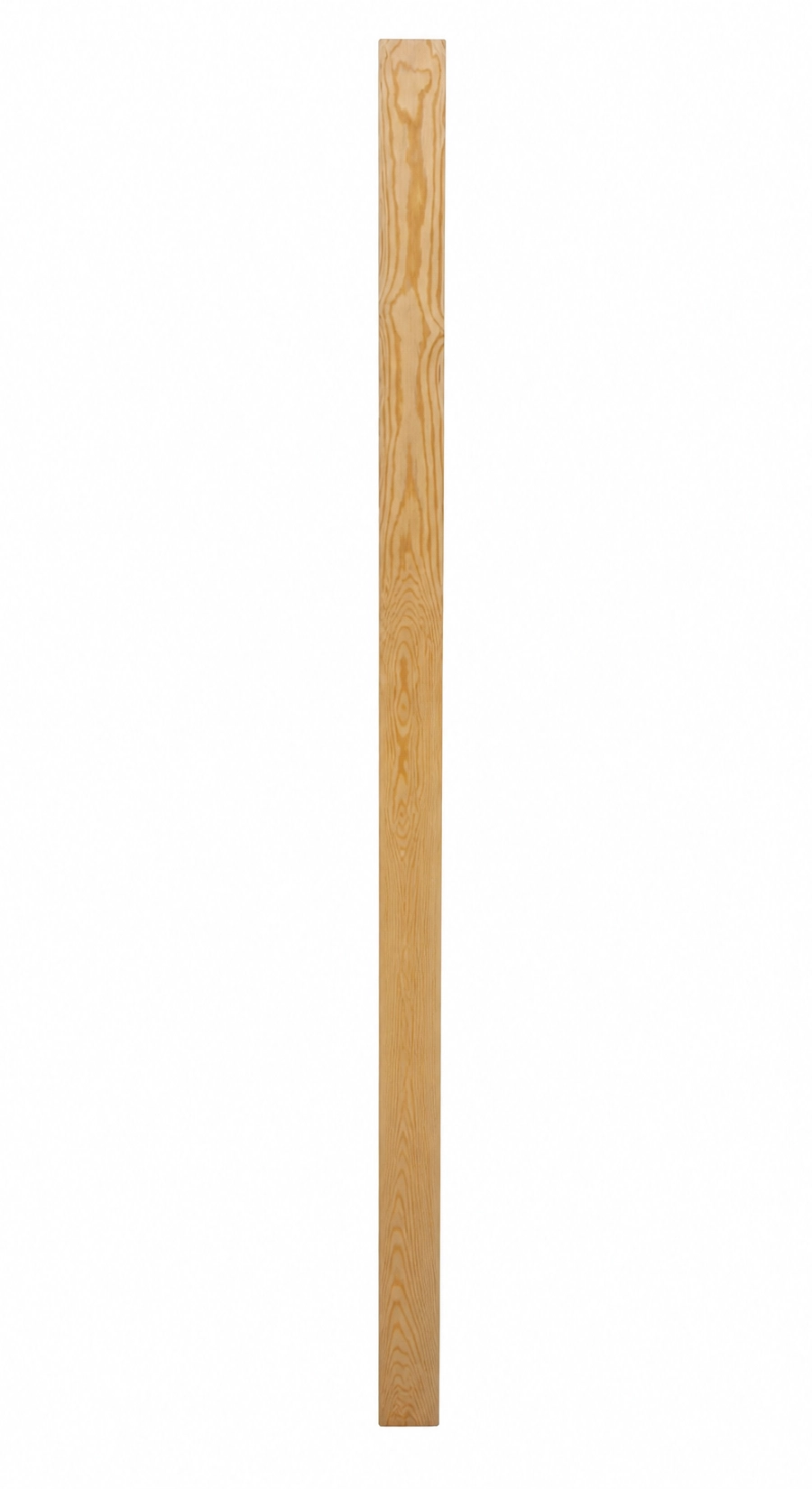
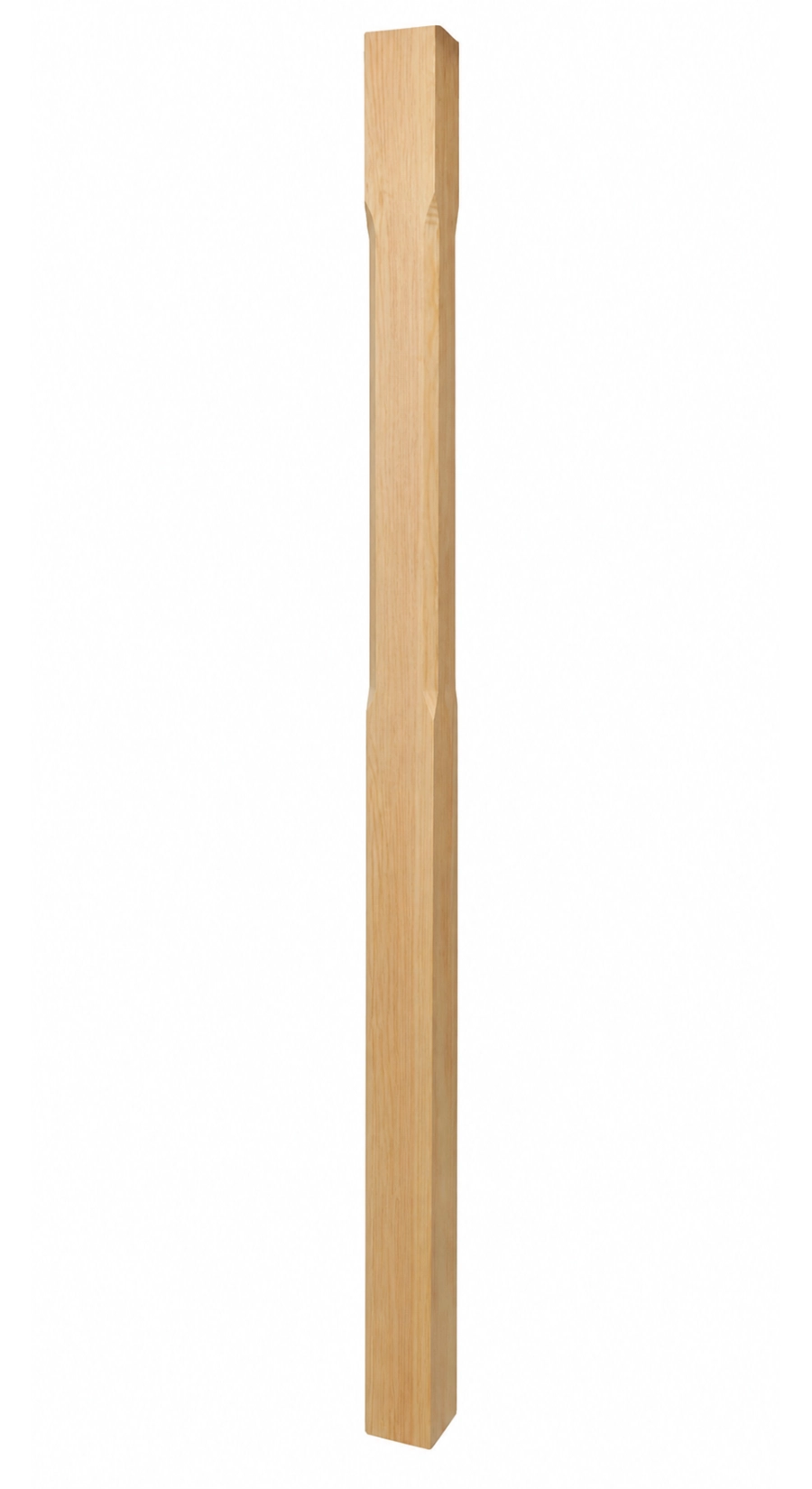
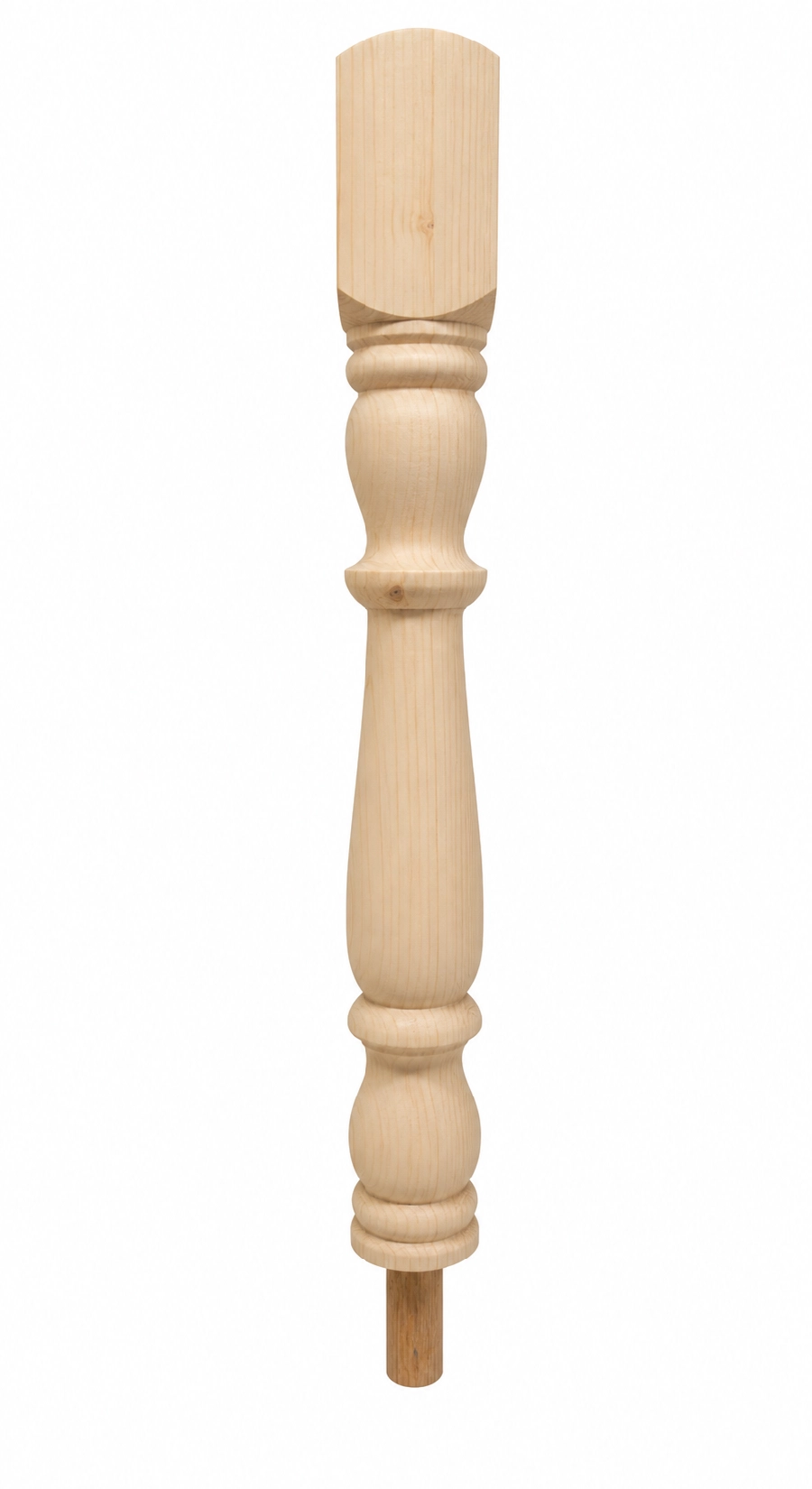
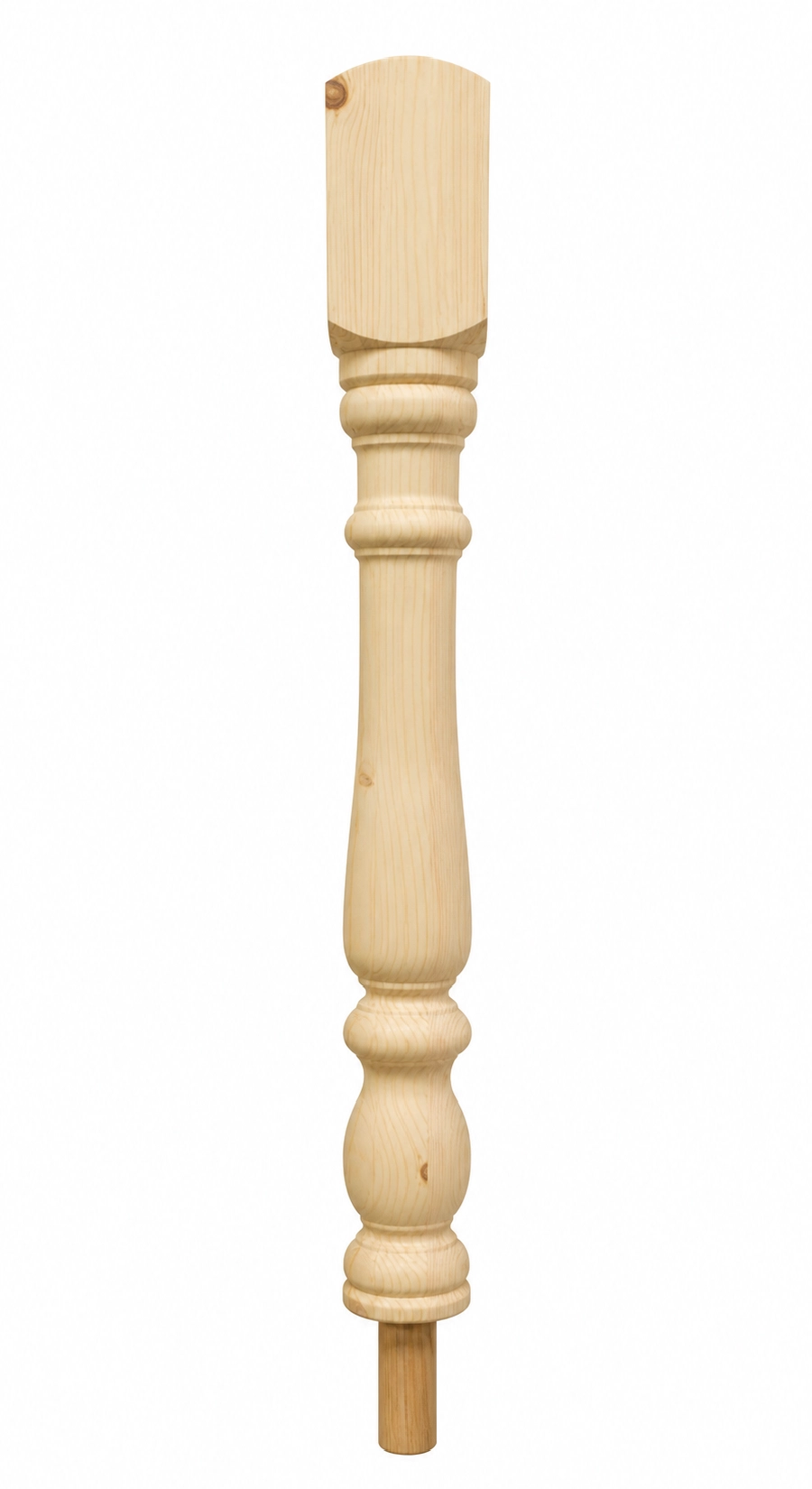
4. Handrail style:
5. Spindle style:
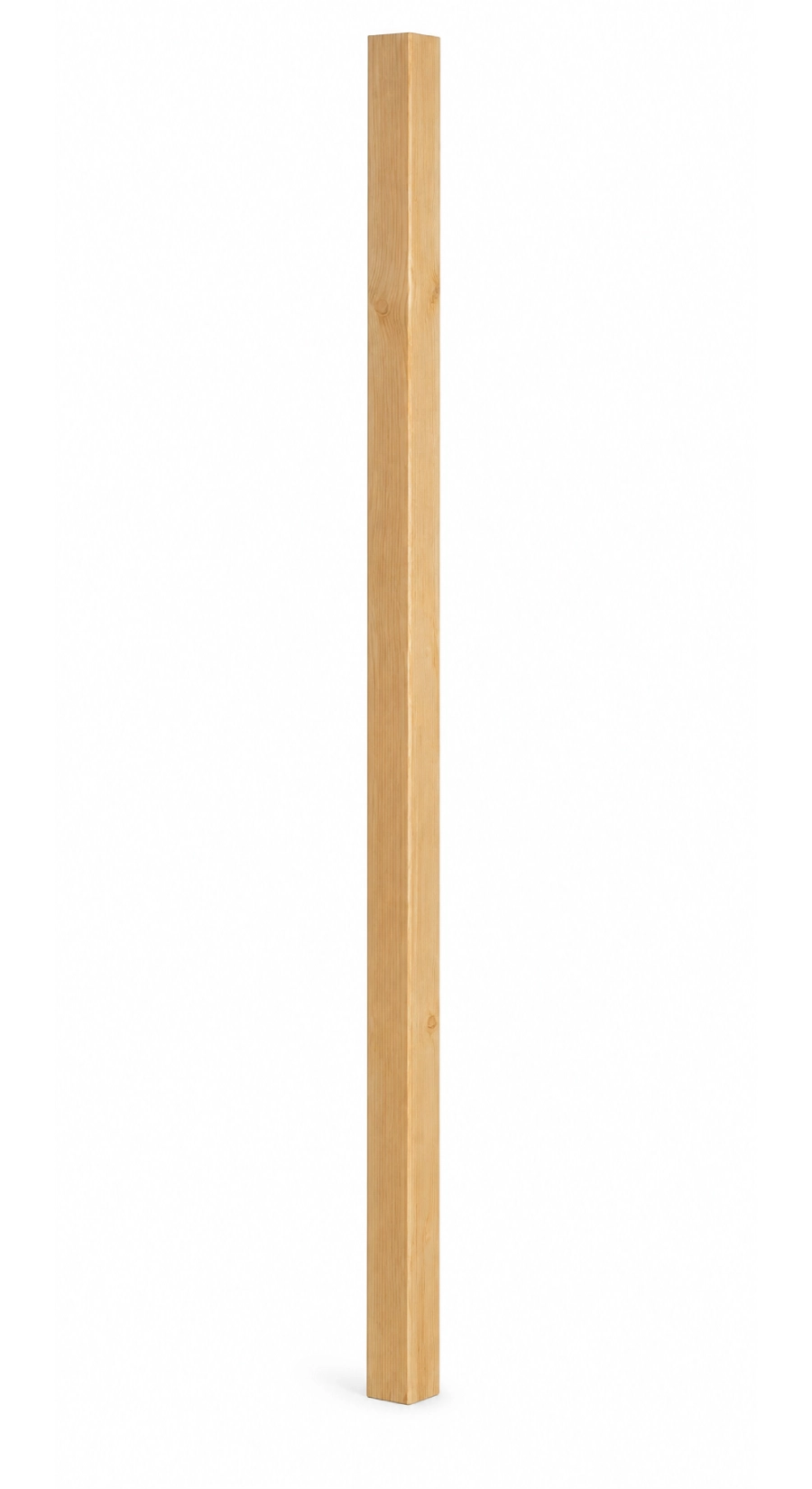
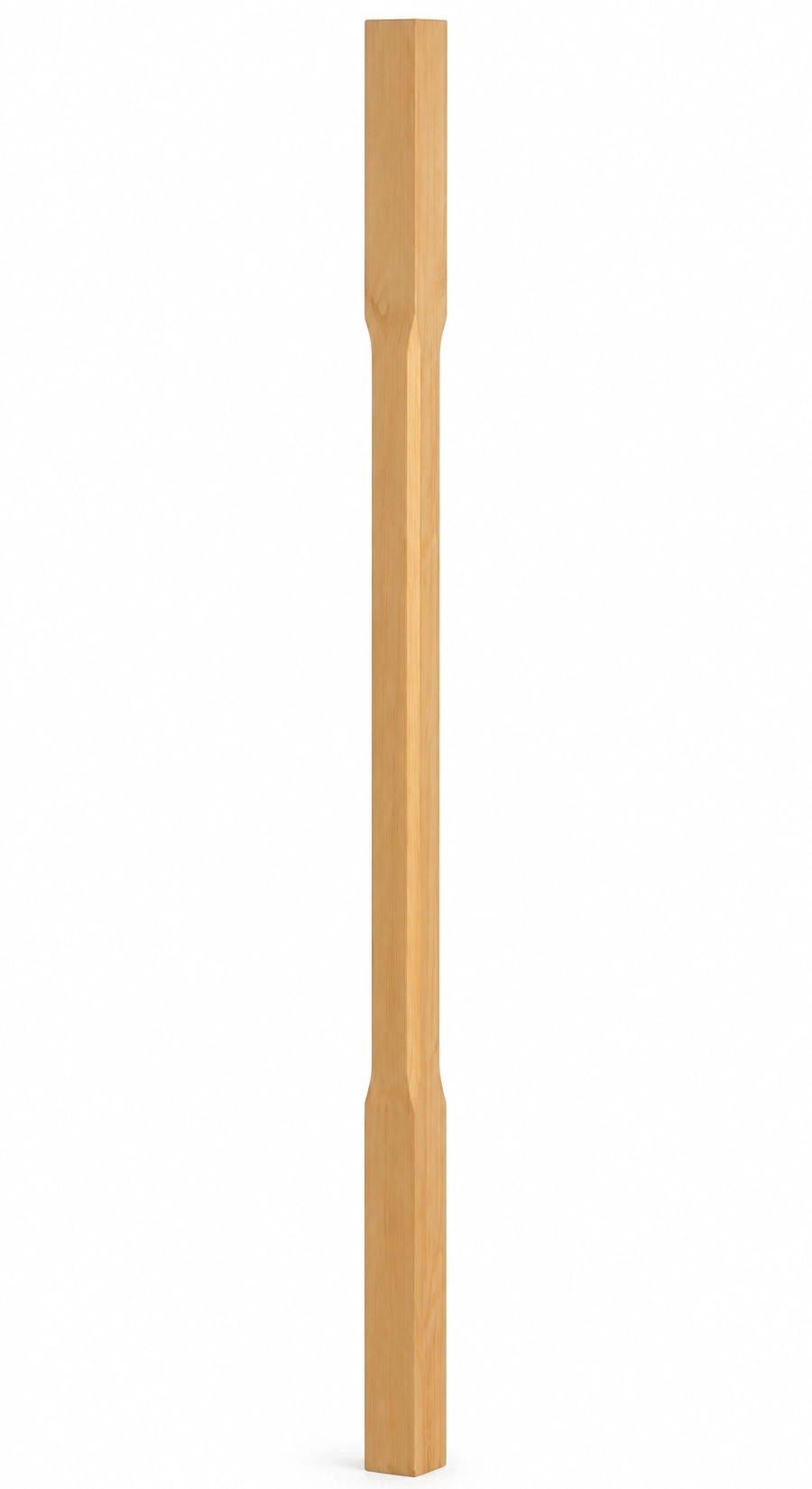
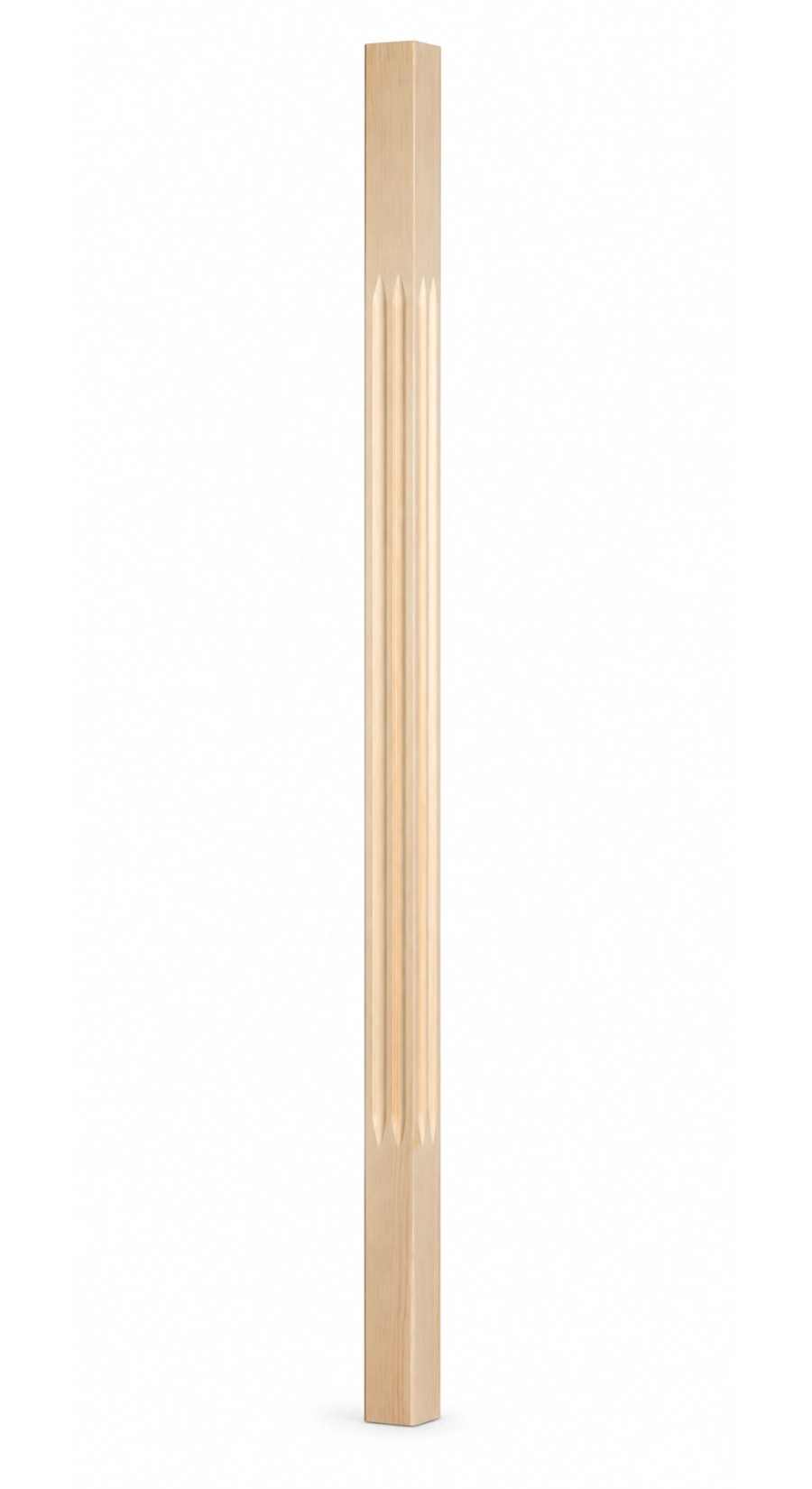
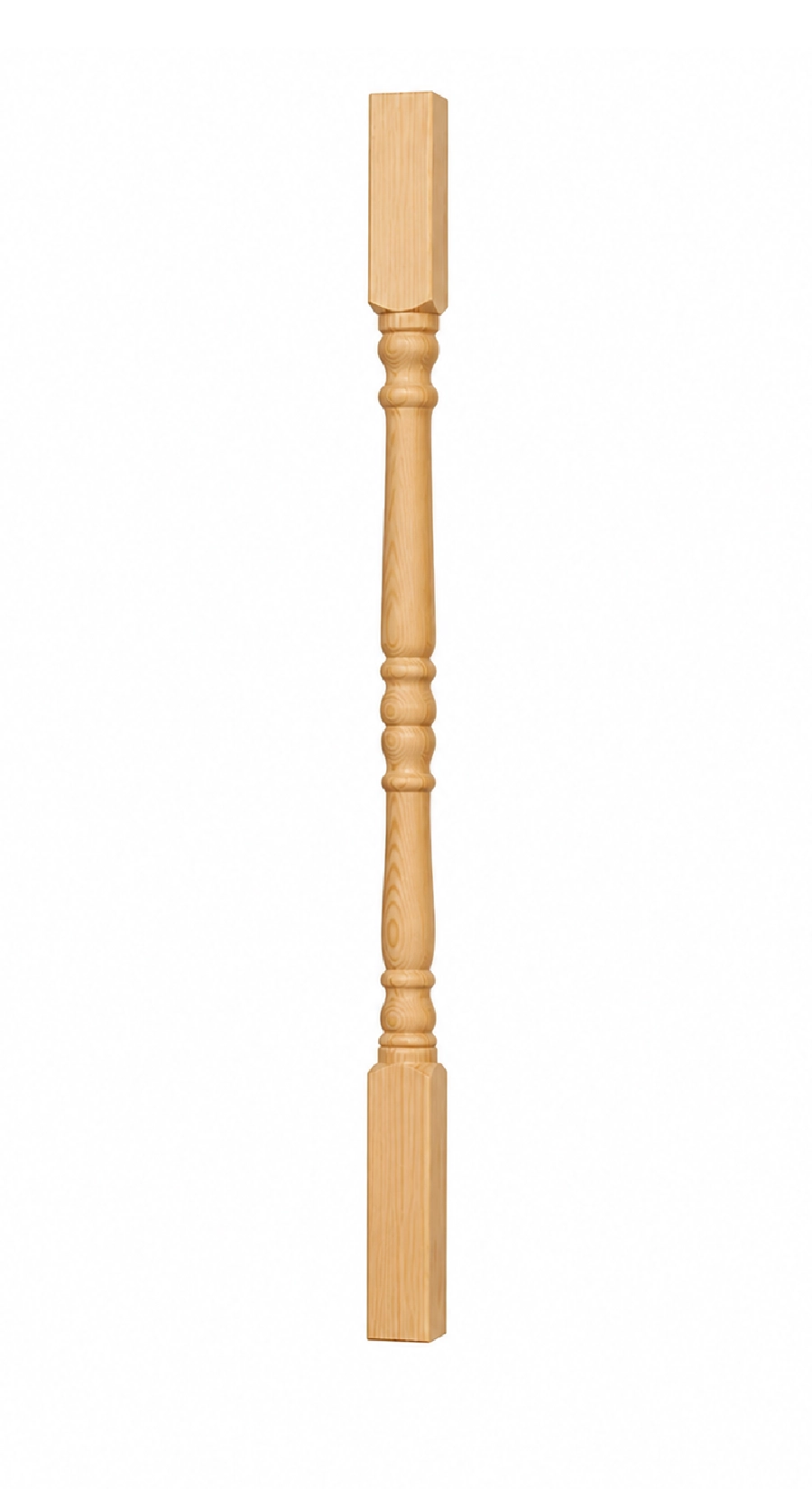
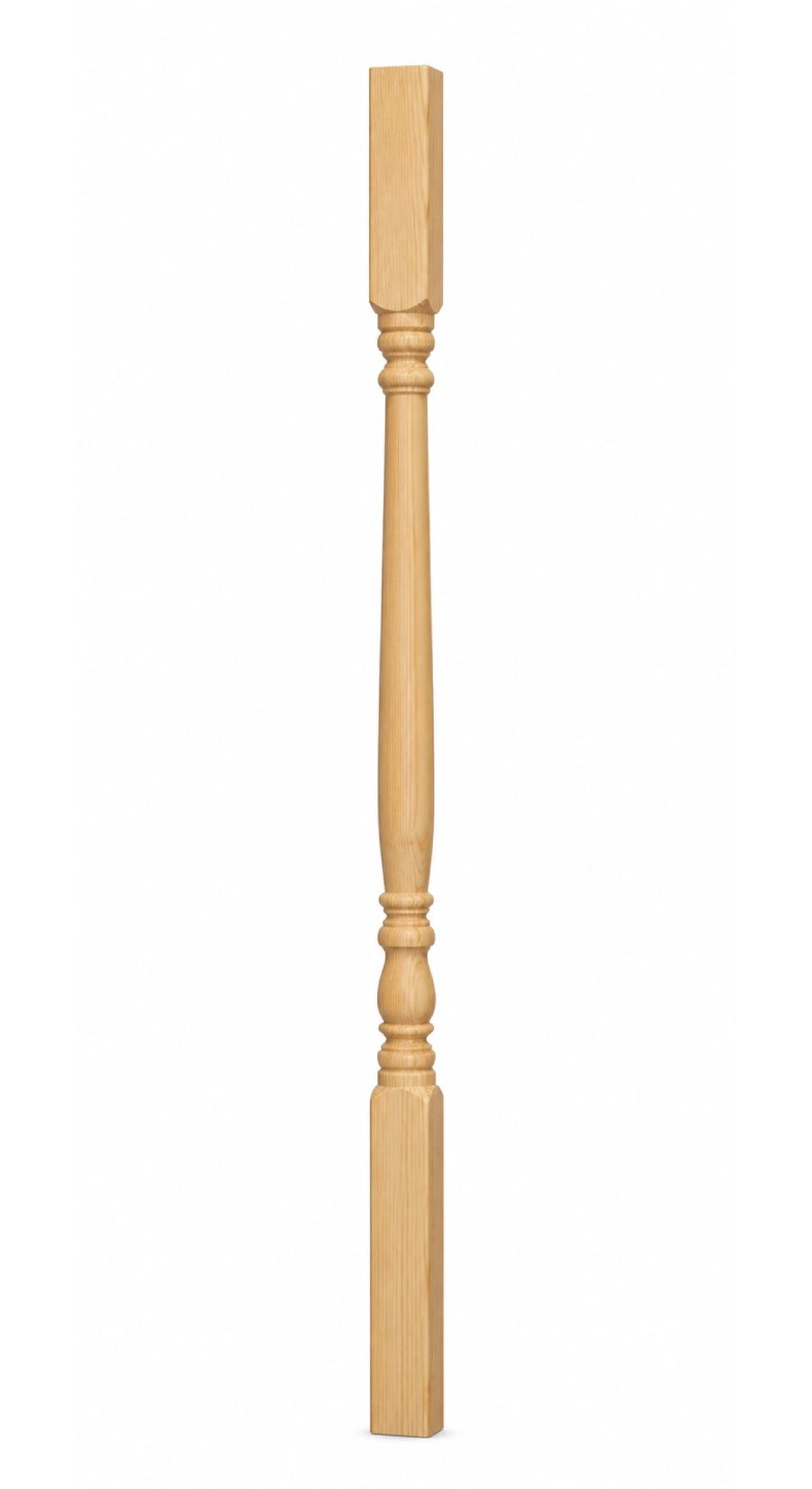
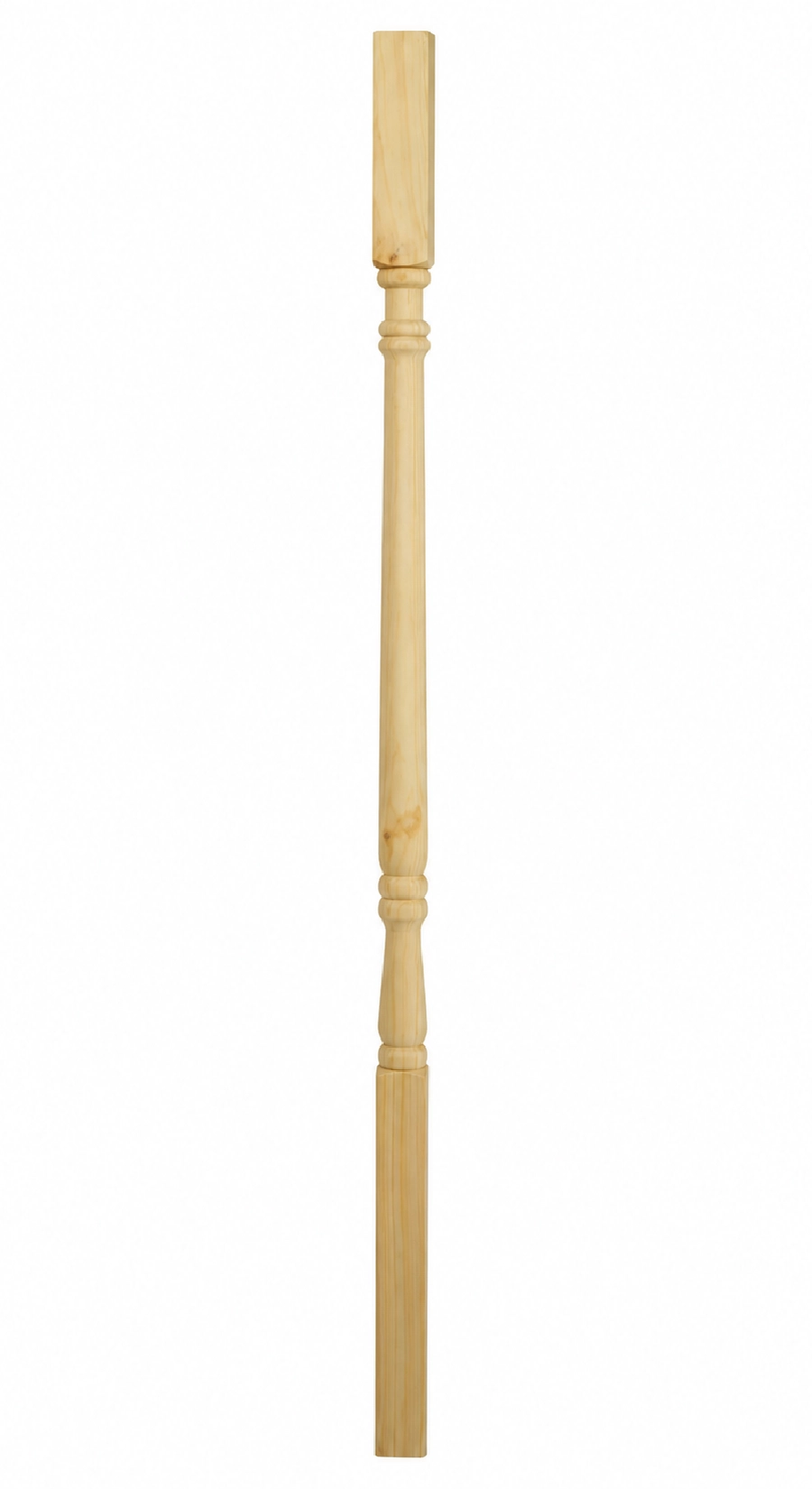
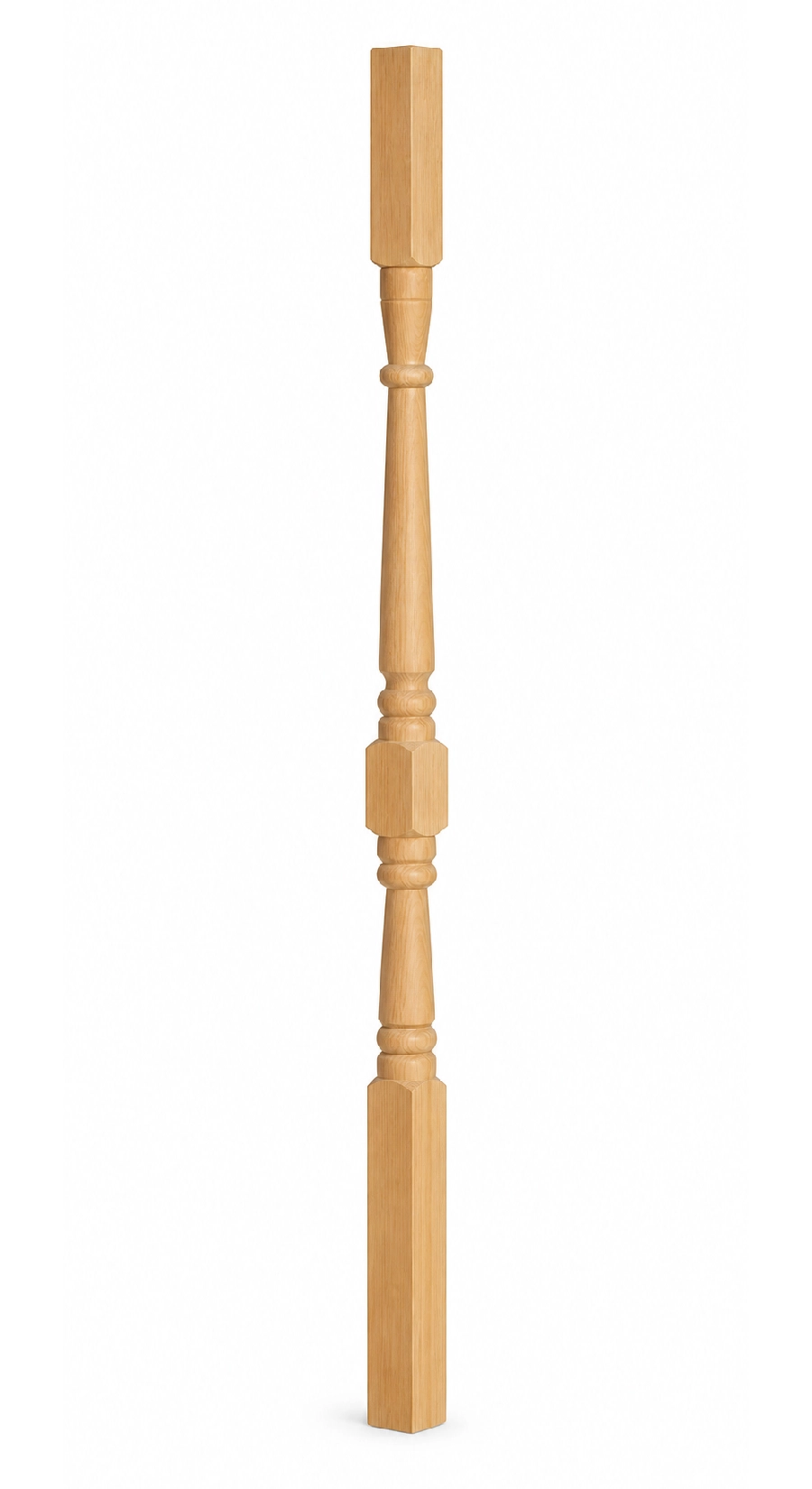
6. Newel post cap style:
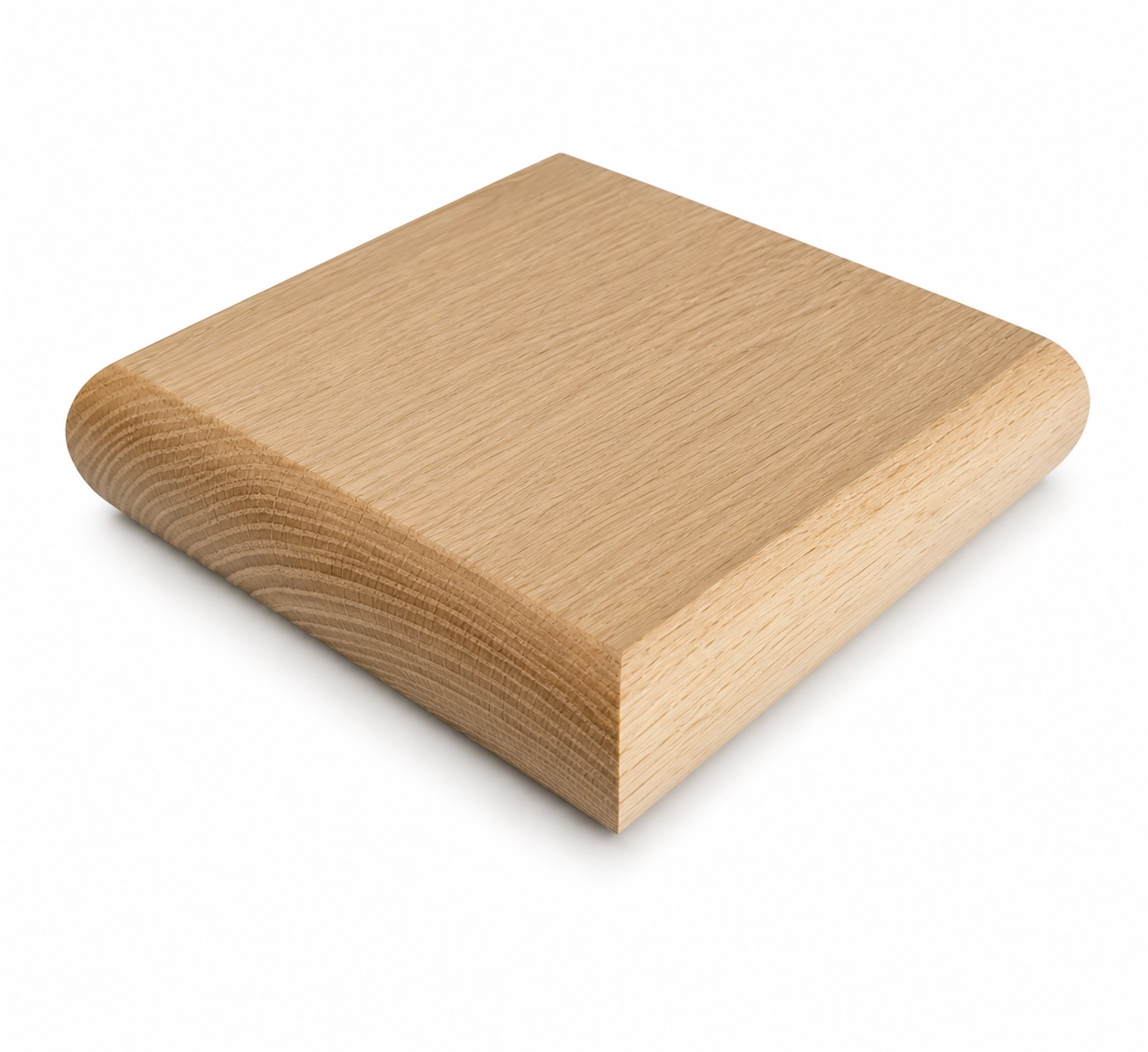
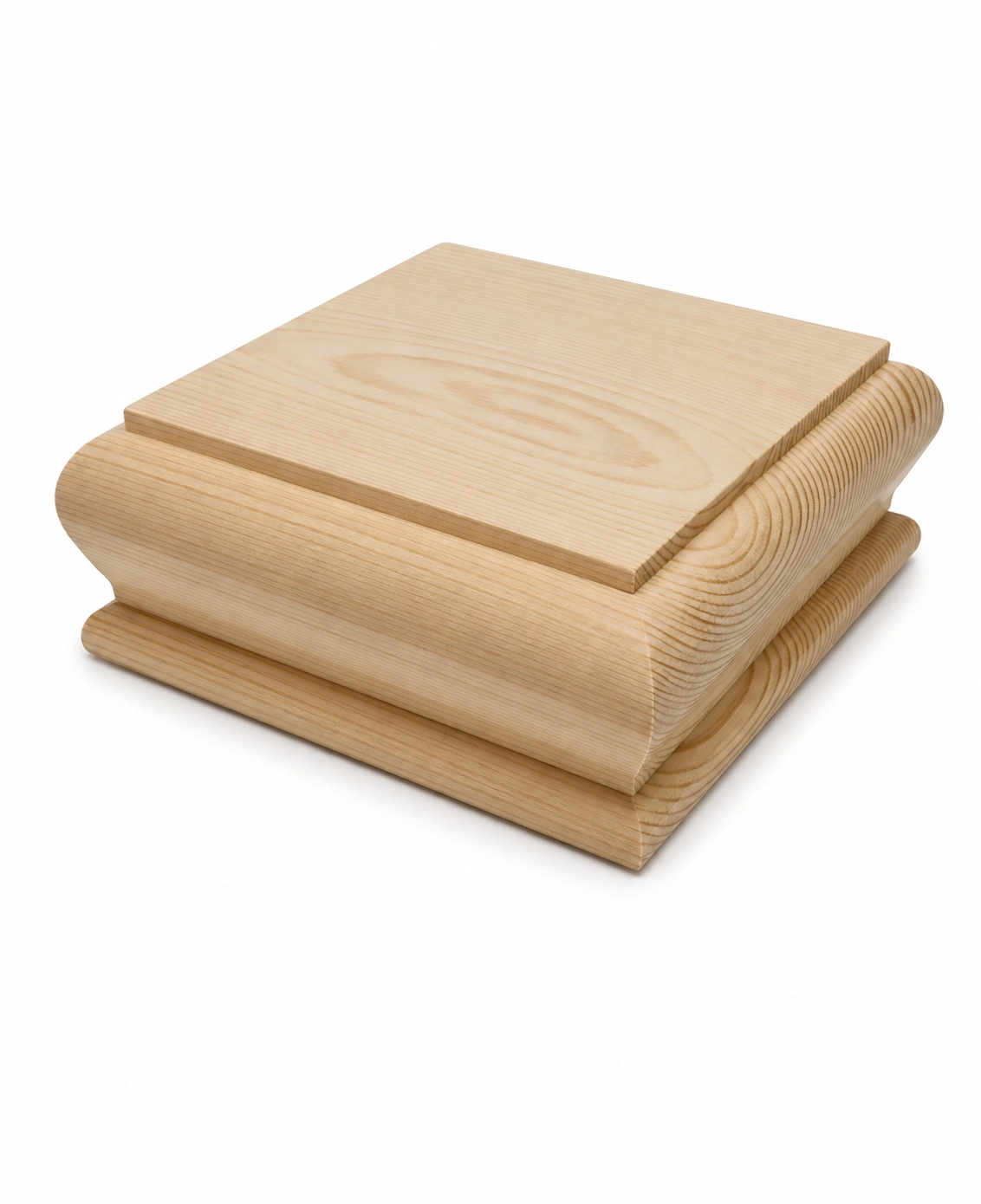

7. Stair fitting:
1st Floor Check
Select fire door type and quantity for the 1st floor. Click the image to view full size. Each door set is FD30 rated.
Skirting style:
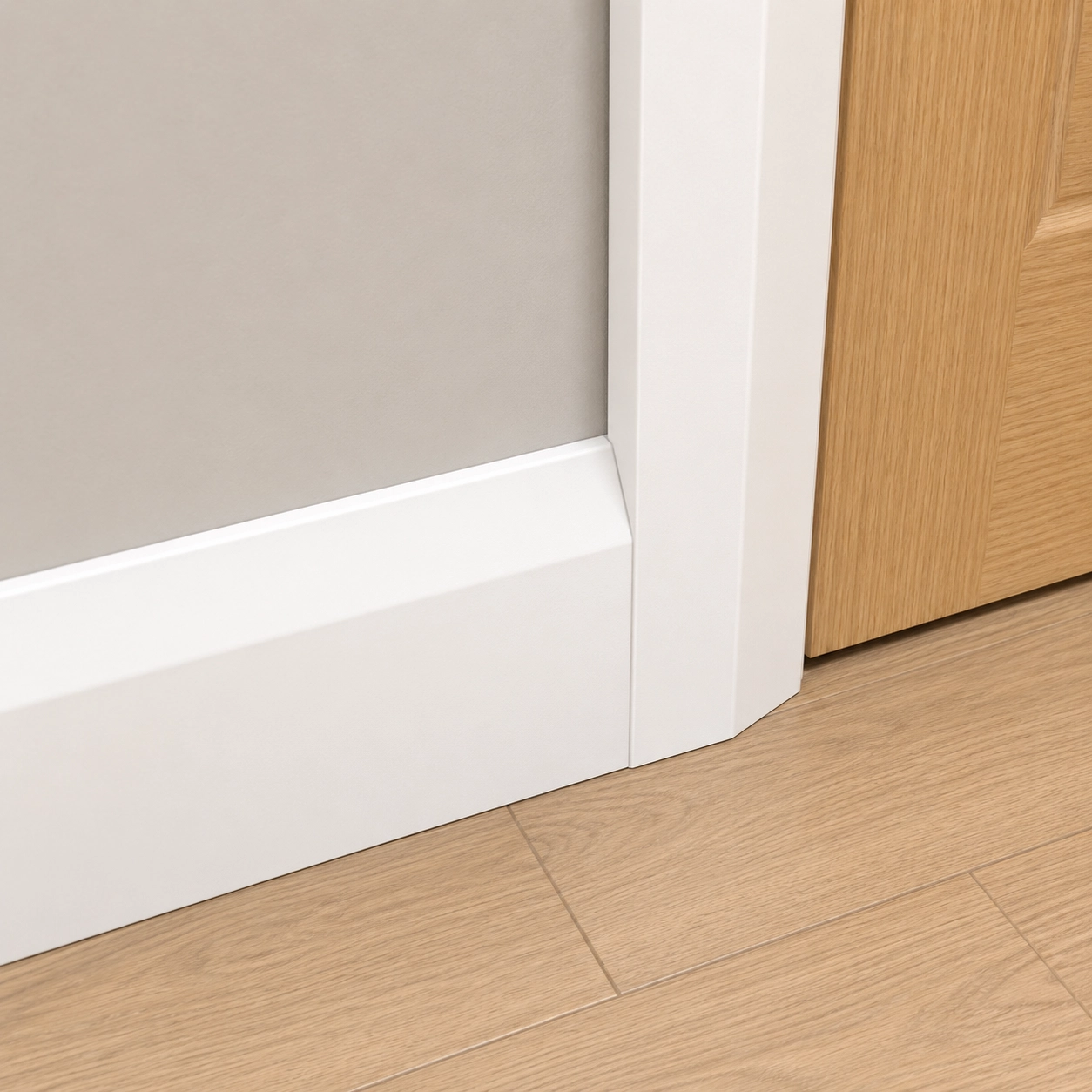
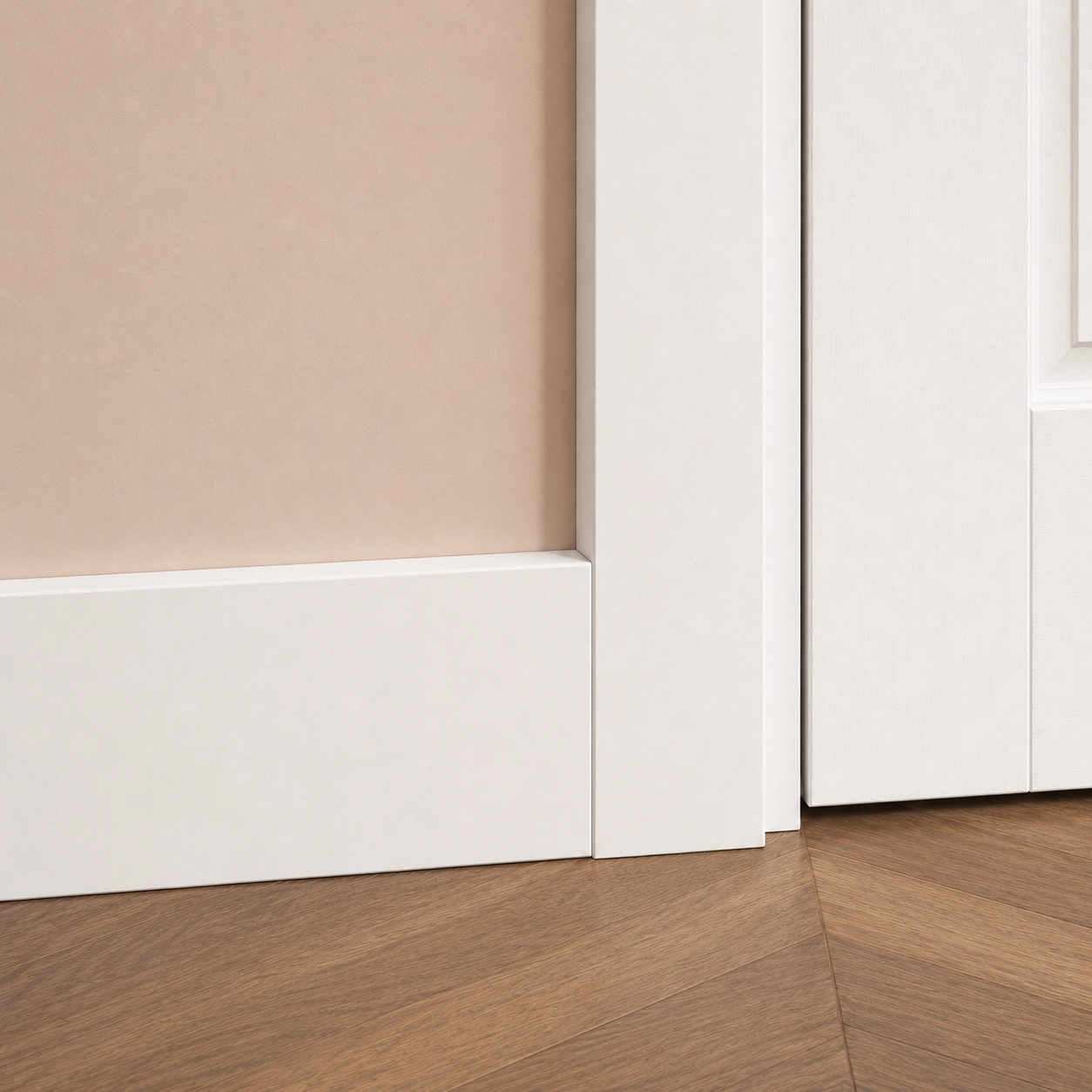
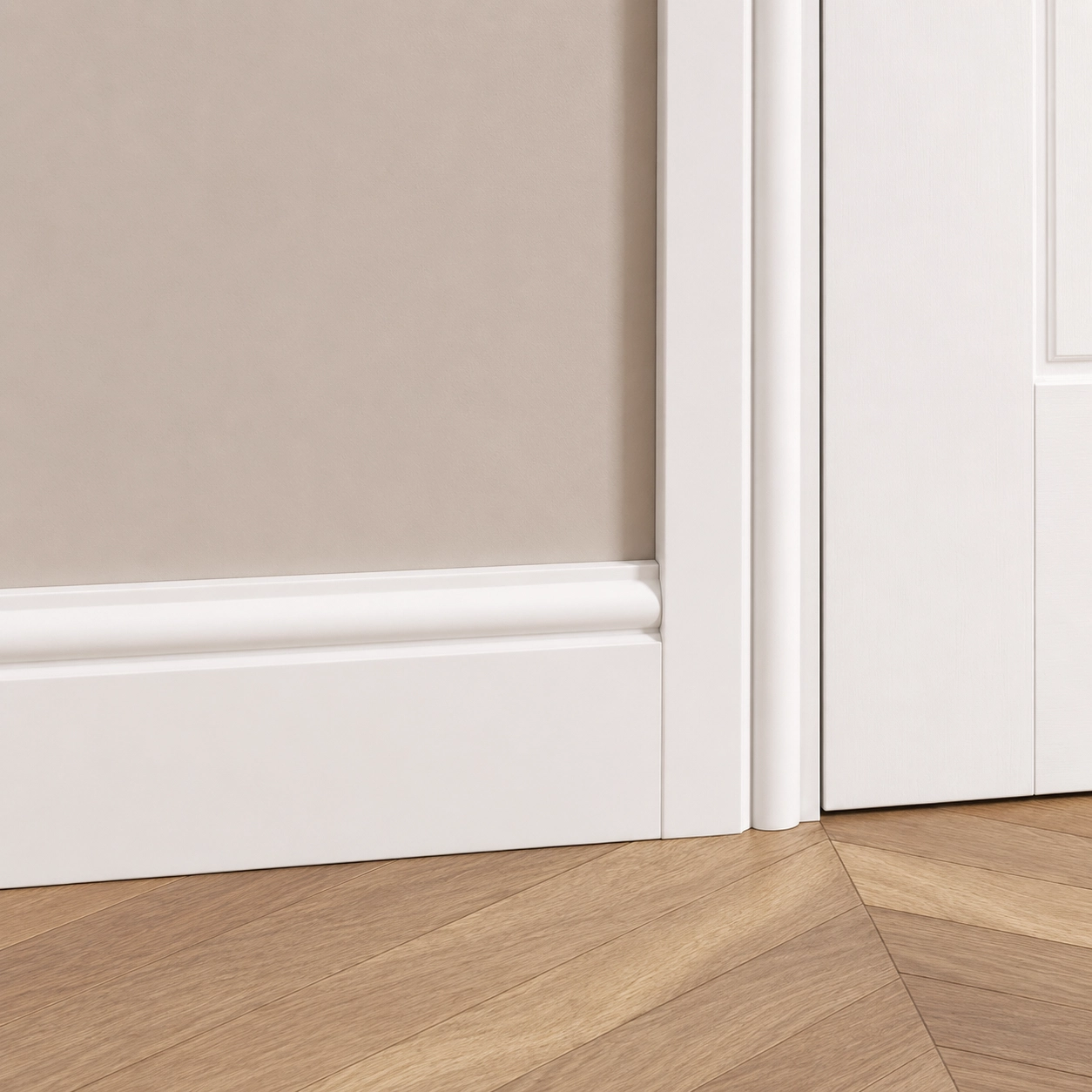
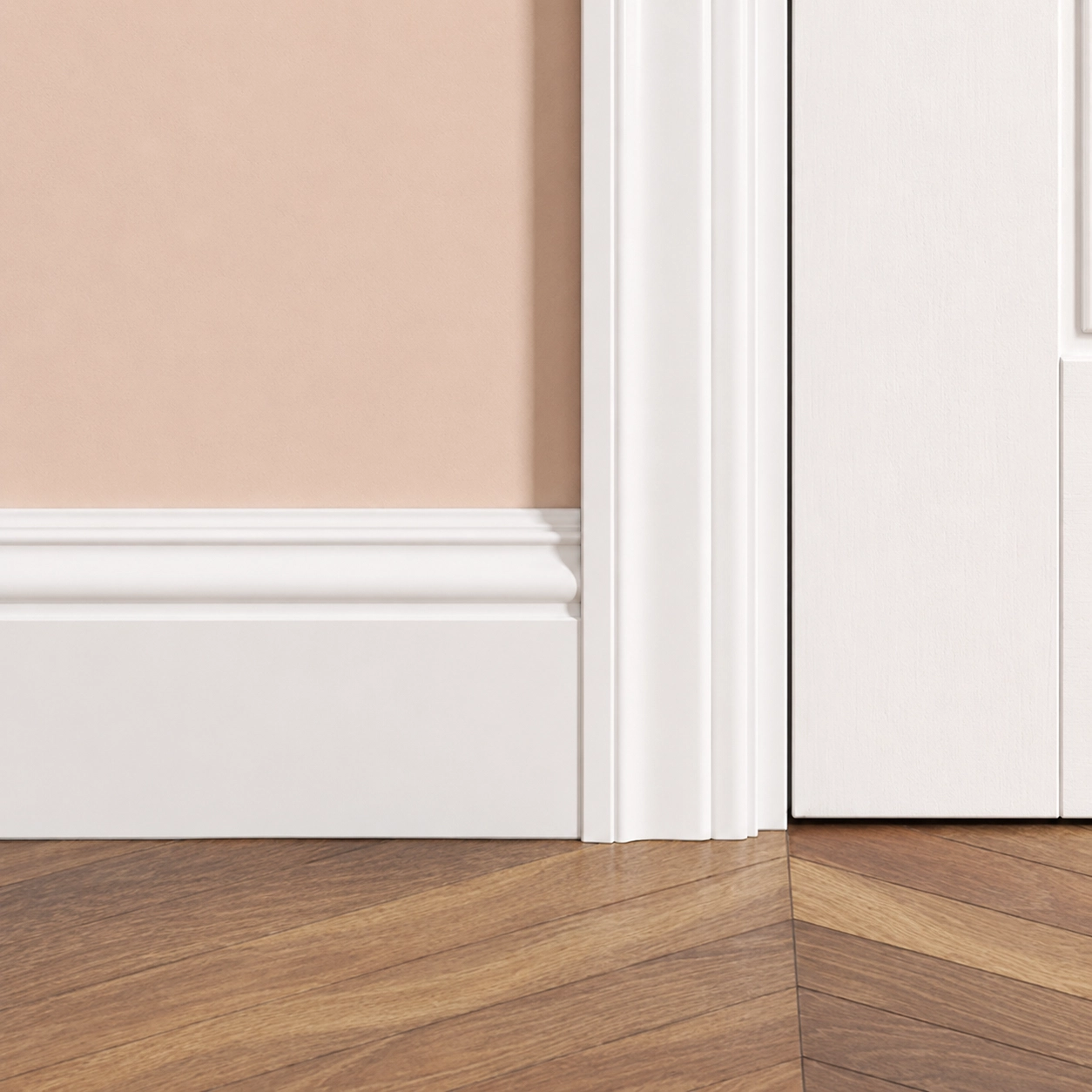
Smoke alarm (1st floor):
Ground Floor Check
Select fire door type and quantity for the ground floor.
Smoke alarm (ground floor):
Ground floor layout:
Property Type
Select the type of property to ensure the right conversion options are shown. Hover to see a real example.


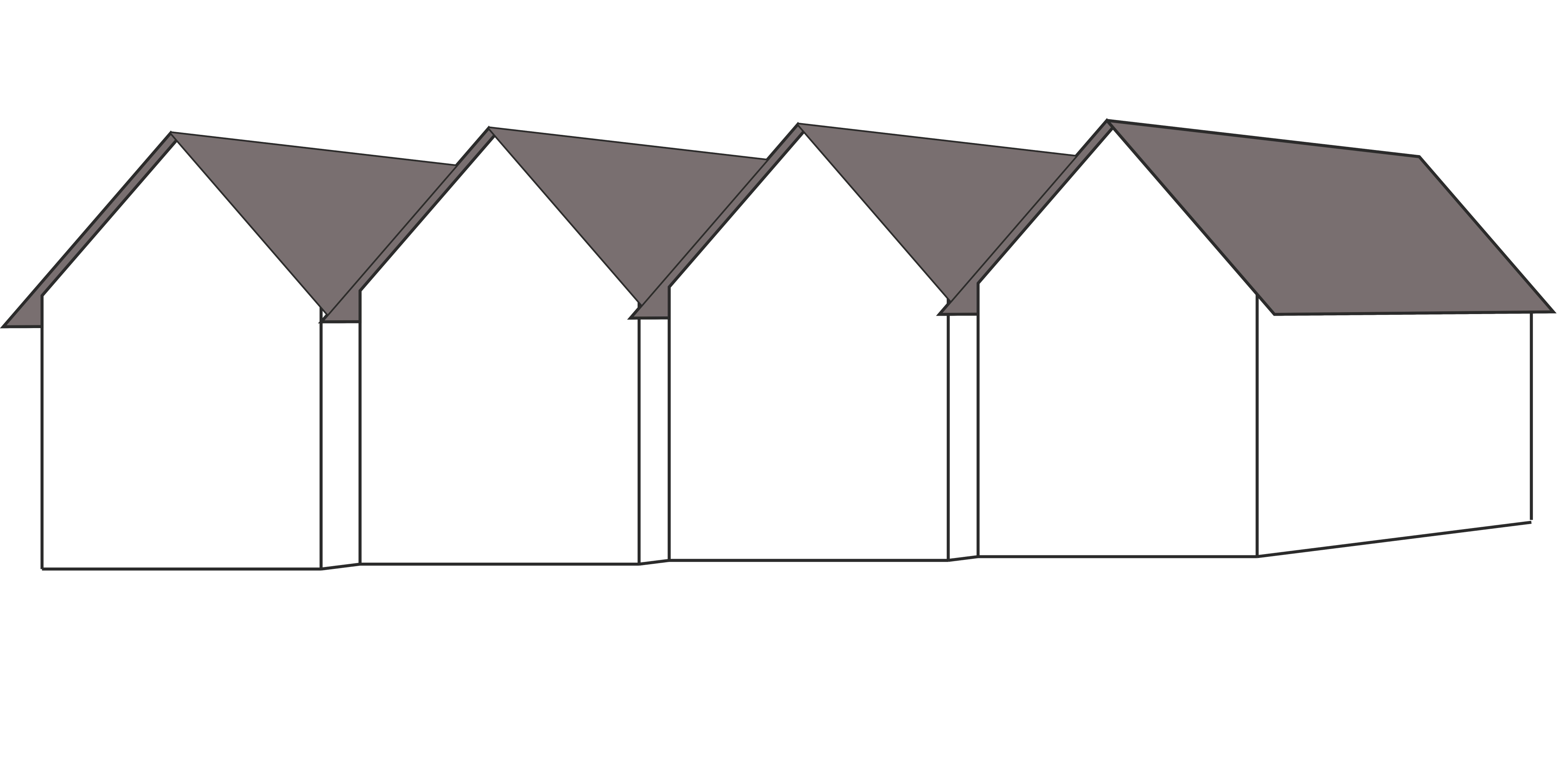
Roof Type
Select current roof style this determines which loft conversion types are suitable. Hover to see examples.




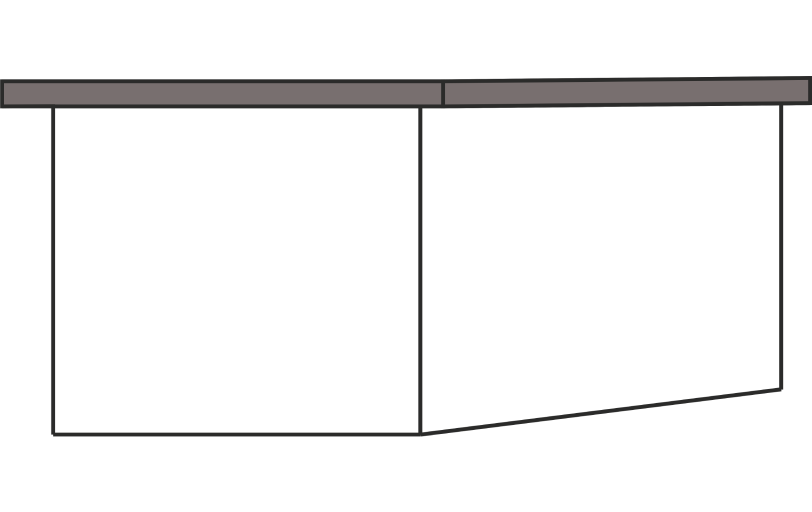
Loft Conversion Type
Select the right conversion for this property. Hover over each card to see a real example. Click the i button for more details.
Roof Tile Selection
Additional roofline works (tick all that apply):
Dormer finishes:
Select the external finish for the dormer
How many bedrooms will the loft have?
Select the number of rooms to be created within the loft conversion.

Bathroom in the loft?
Adding a bathroom increases property value and convenience. Choose fit level or skip.
Add-Ons
Select all extras that apply — quantity controls where relevant. All optional.
Custom / Non-standard Items:
Does the boiler need replacing?
If a new boiler is required, select the appropriate option. Otherwise skip this step.
Architectural & Planning
Discuss drawing pack options and check planning rights for this property.
Opens PDRightsCheck.co.uk using the client's address entered at the start. Internal use only free tool.
Finish Level
Select the completion level
Review & Summary
Review all selections before sending the PDF quote to the client.
Client Details
Loft & Property
Loft Measurements
Package & Layout
Stairs & Handrails
Doors & Skirting
Add-Ons
Custom Items
Send Quote to Client
Generate and send the detailed PDF quote to the client's email address via our system.
—
Quote Ready to Send
All property details and pricing have been recorded.
Click below to generate the PDF, download it to this device, and send it to the client's email via our system.
Report Sent Successfully!
The detailed PDF quote has been uploaded to GHL and sent to the client's email address.